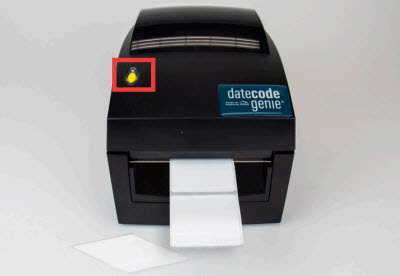
Load Labels in the Lite Model Device
Model discontinued.
Loading labels in a Lite model device is easy. Follow the steps below or watch the video for assistance.
Steps:
1. Gently pull the blue/green core bar from the right side and extend straight up. Slide the black line sensor to the far right of the opening.

2. Remove the top blue/green roll guide. Insert label roll onto the core bar with labels facing forward and unrolling from the left onto the bottom roll guide.

3. Place the top roll guide onto the label roll.

4. Adjust both guides to the label roll width until snug against the roll to keep it centered. Snap core bar back into cradle.

5. Feed labels through the blue/ green guides and extend over edge of printer.

6. Snap the printer lid closed. Press the yellow feed button, as needed, to align on black line. Pull down to tear label.