Hold Reconciliation in InsightsLite V2
Table of Contents
The Hold Reconciliation page shows all batches that have not been marked as wasted or sold.
All staff roles can access and use the Hold Reconciliation page.
Access Hold Reconciliation
Access Hold Reconciliation under the Execution tab.

Set filters as desired.
NOTE
Rows are sorted Expired → Expiring Soon → Active.
TIPS & TRICKS
- Set the Status Filter to Needs Action to show all products that are expired or expiring soon.
- Use the Lookback Filter to see batches from previous shifts that might have been missed.

From Hold Reconciliation, you can either extend the hold time or waste products.
Extend Hold Time
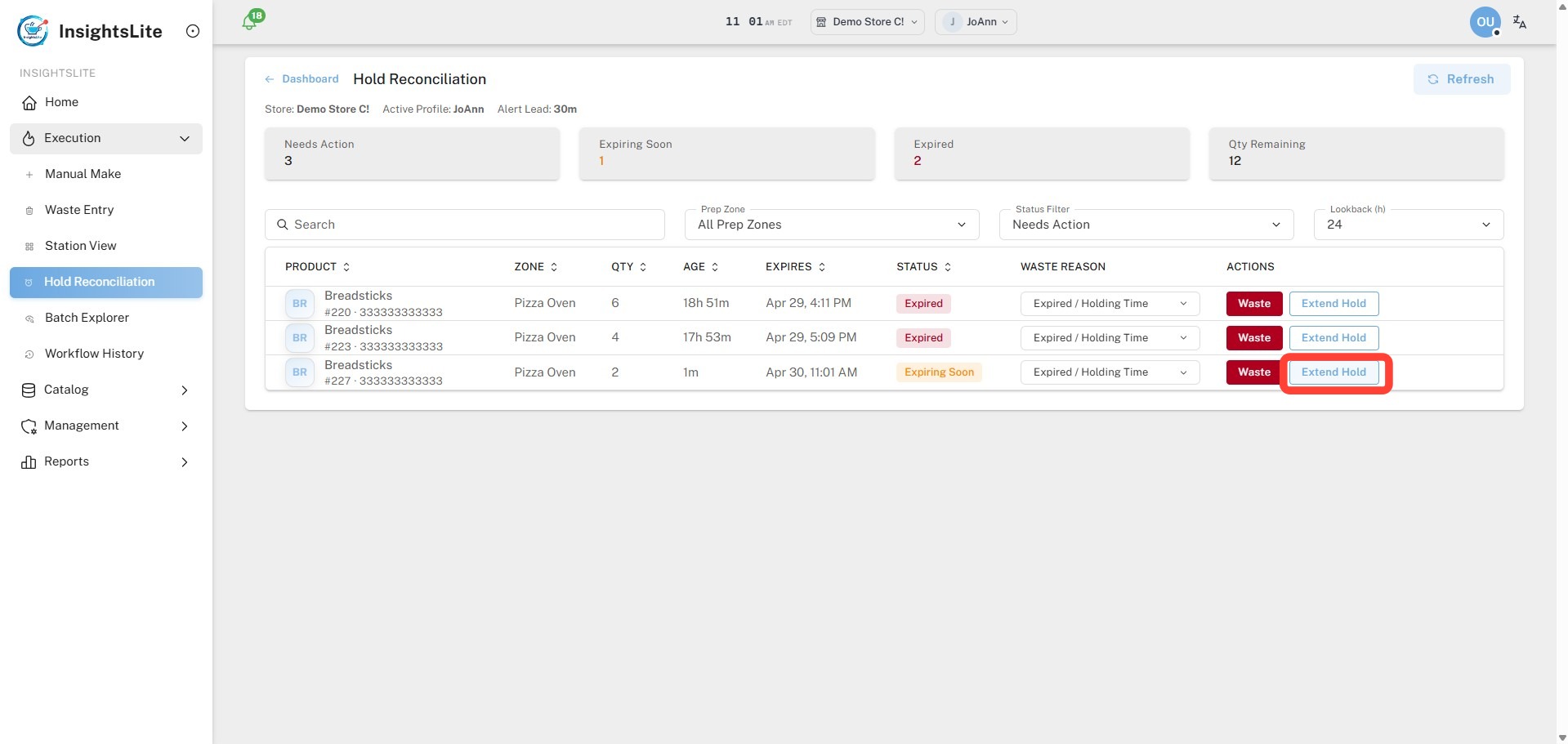
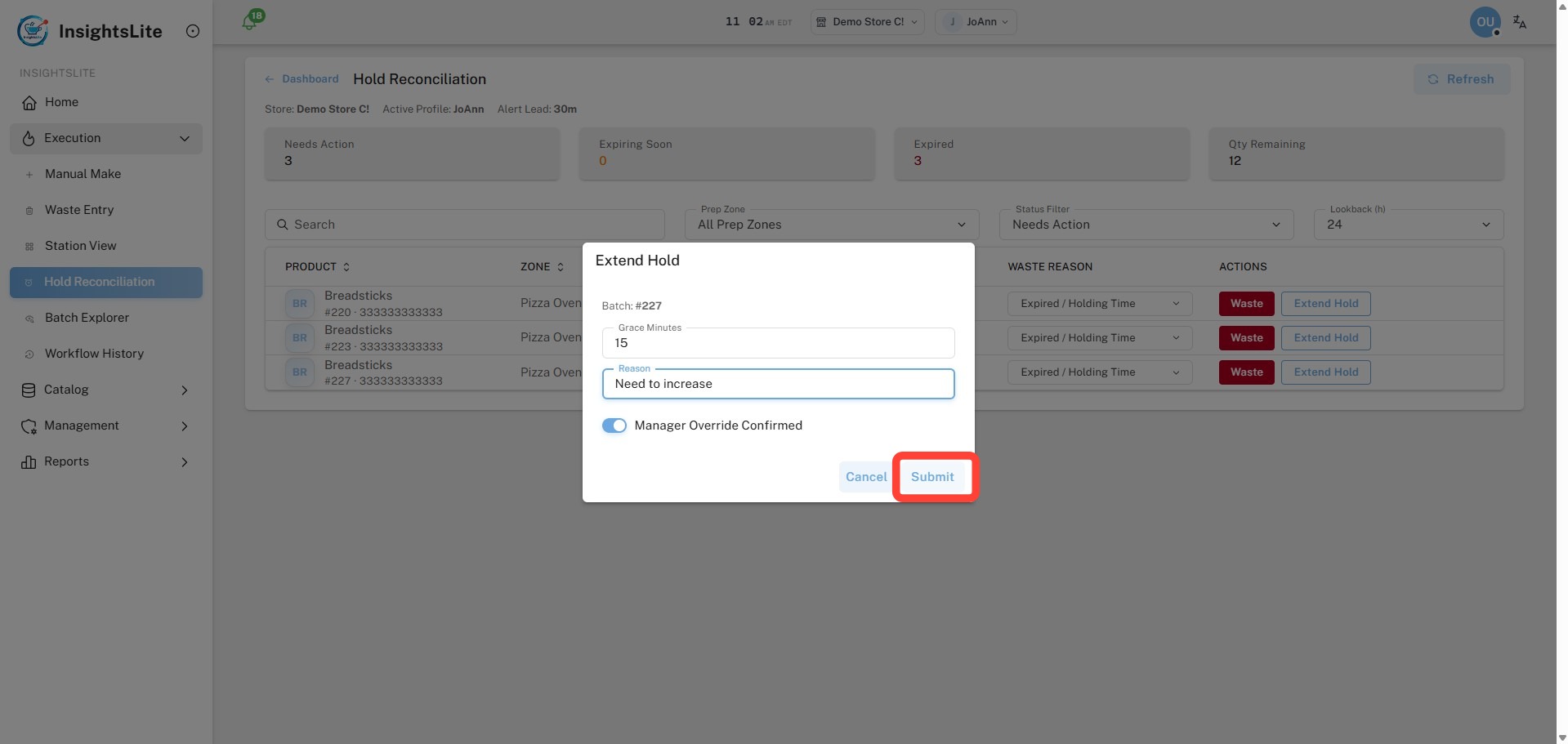
1. Click Extend Hold.
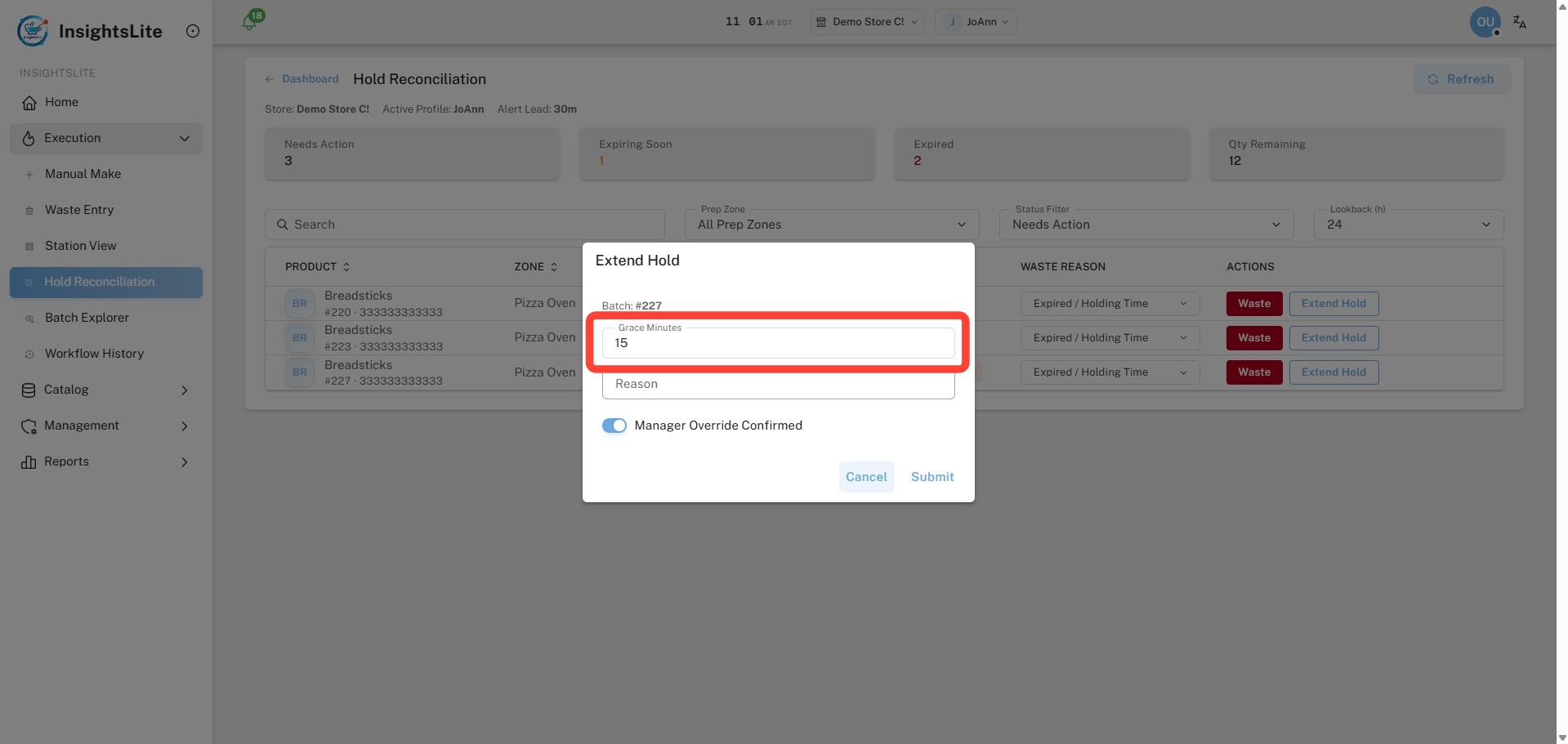
2. Type the Grace Minutes to extend the hold.
- If Expired, grace minutes are added to the current time.
- If Expiring Soon, grace minutes are added to the set expiration time.
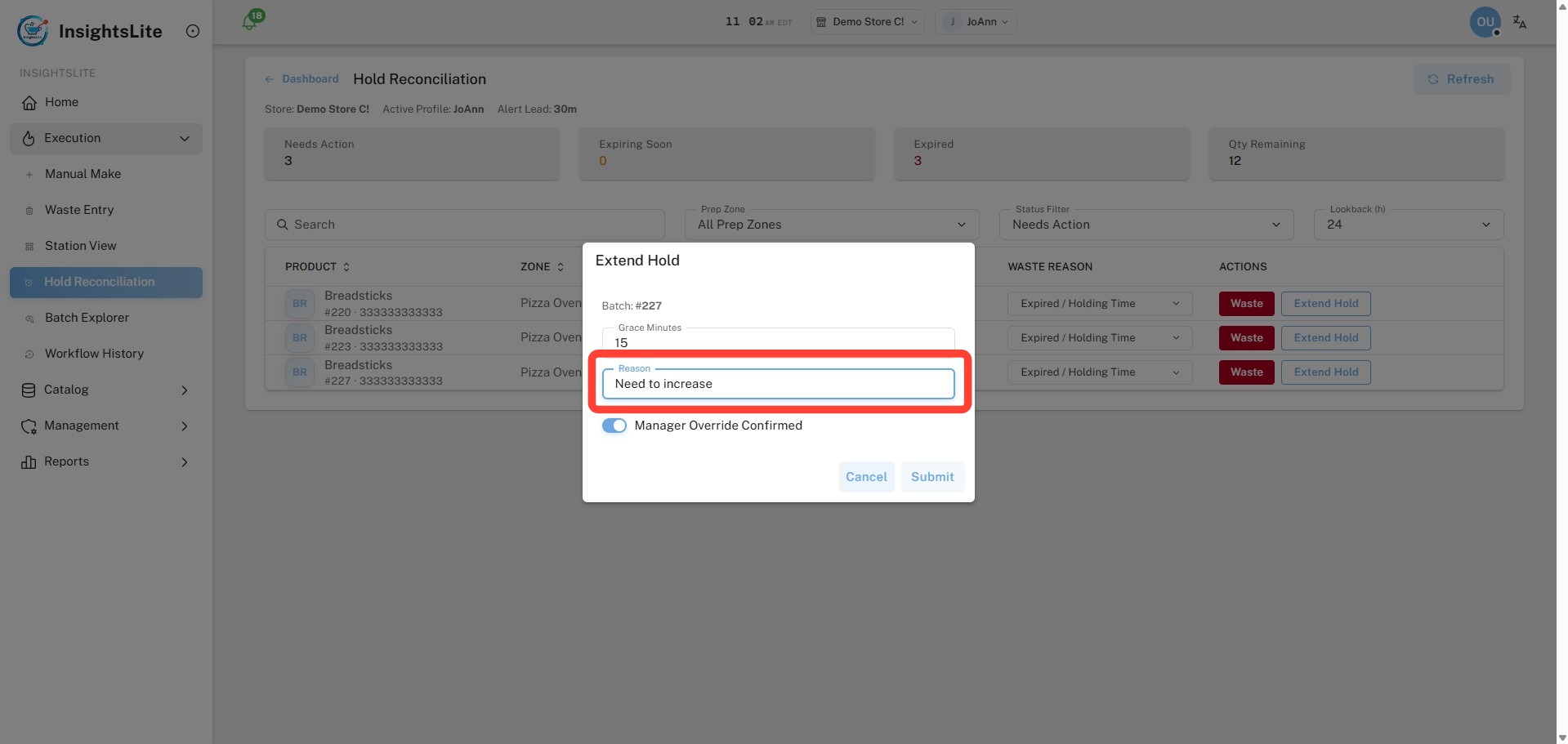
3. Type a Reason.
4. Click Submit.
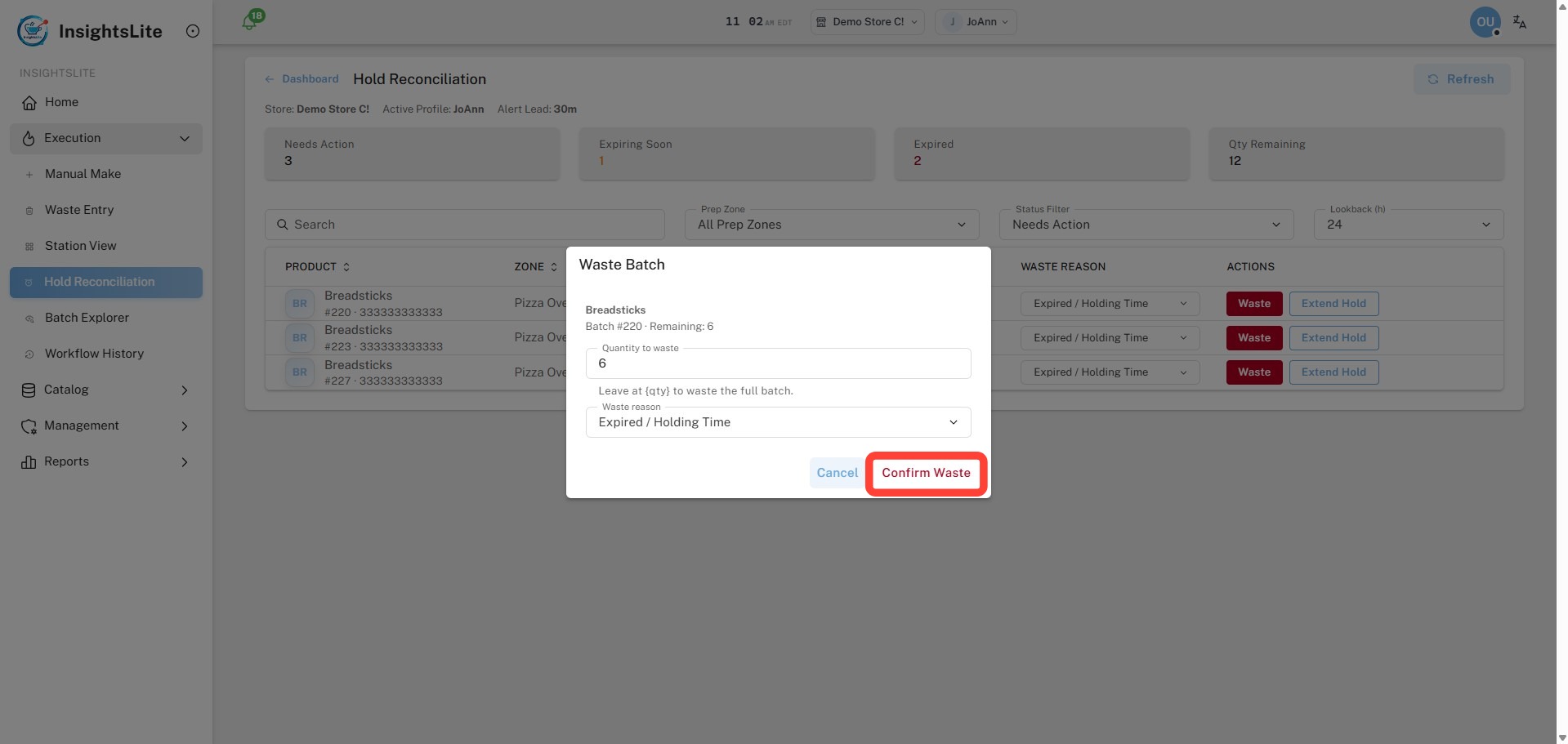
Waste
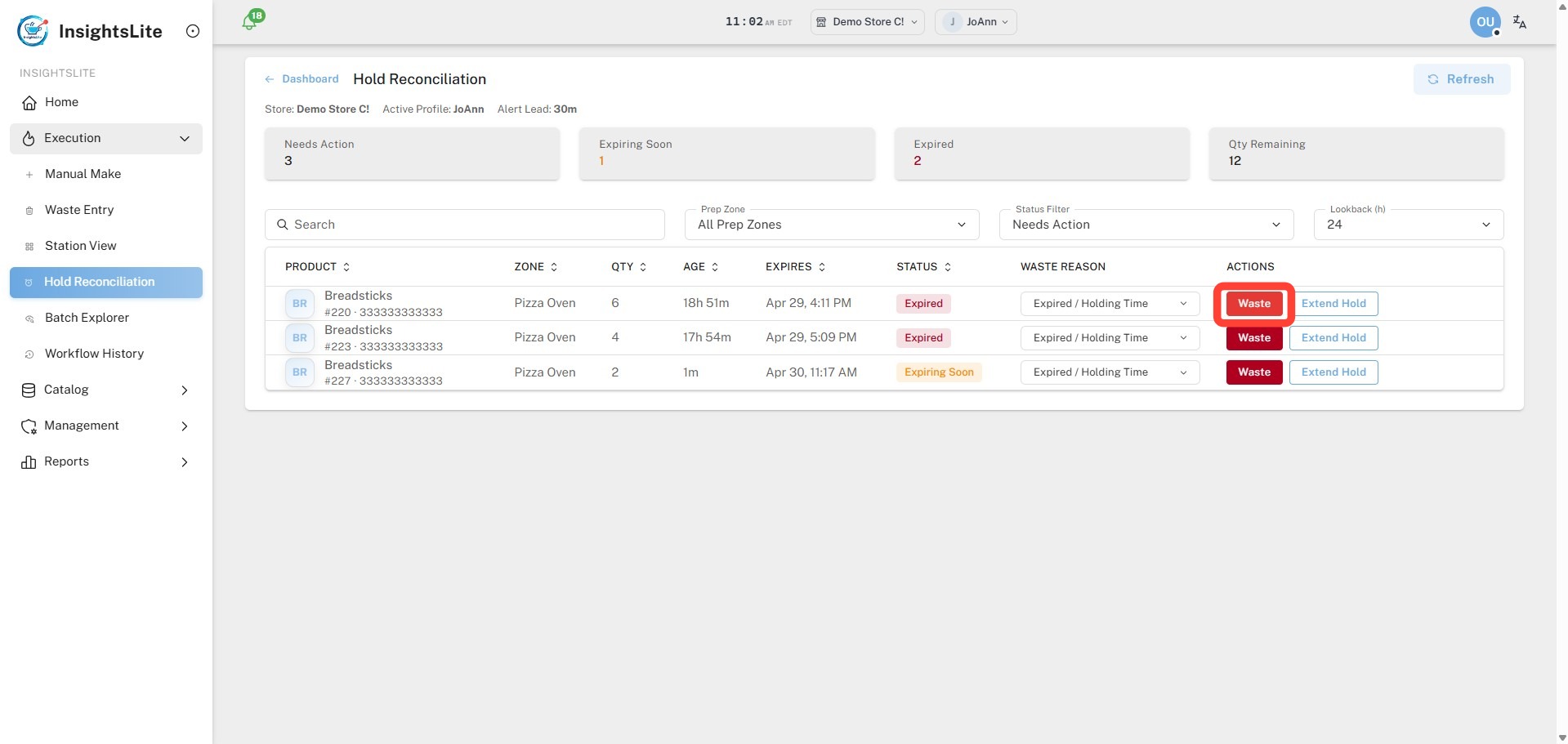
1. Click Waste.
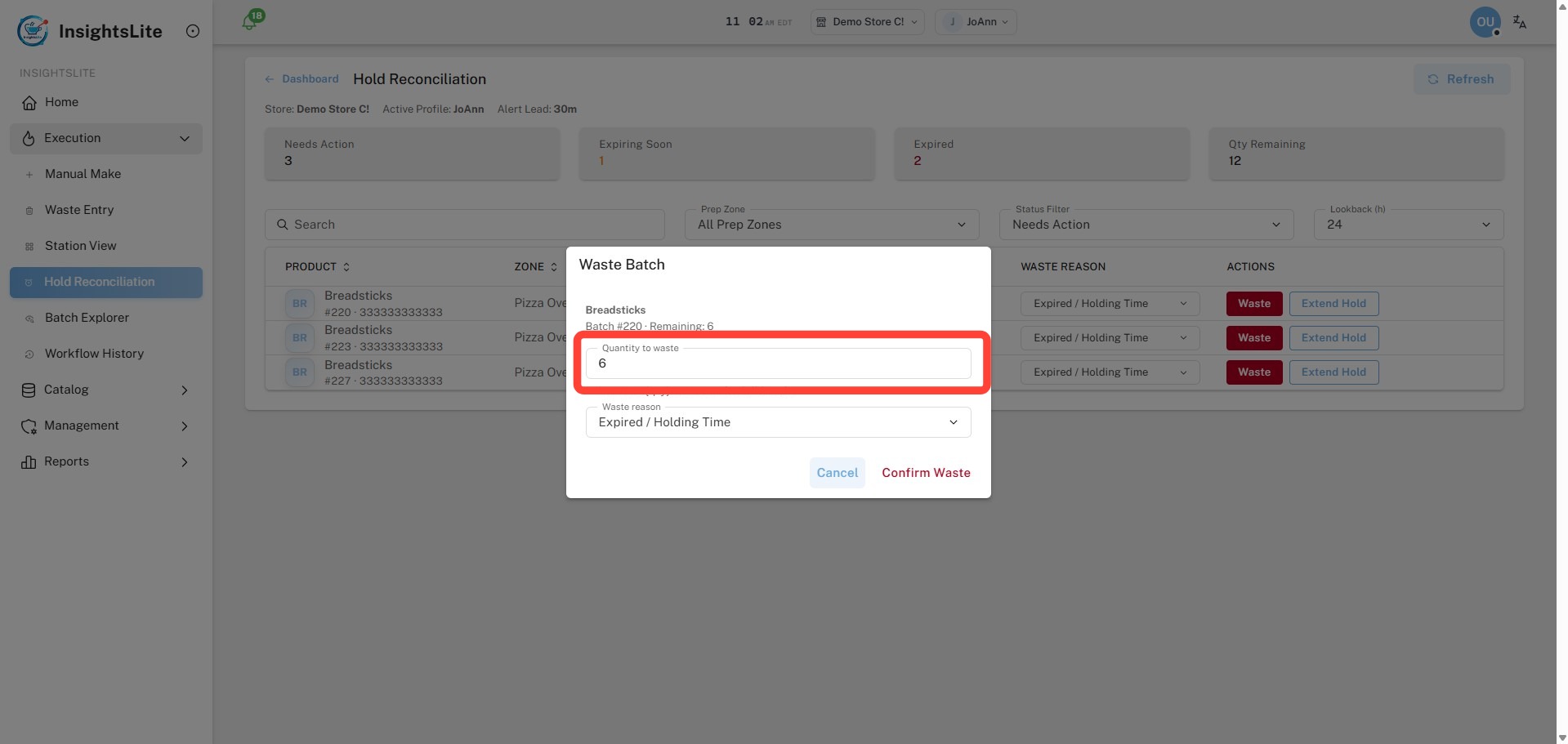
2. Type the Quantity of Waste.
3. Select the Waste Reason from the dropdown.
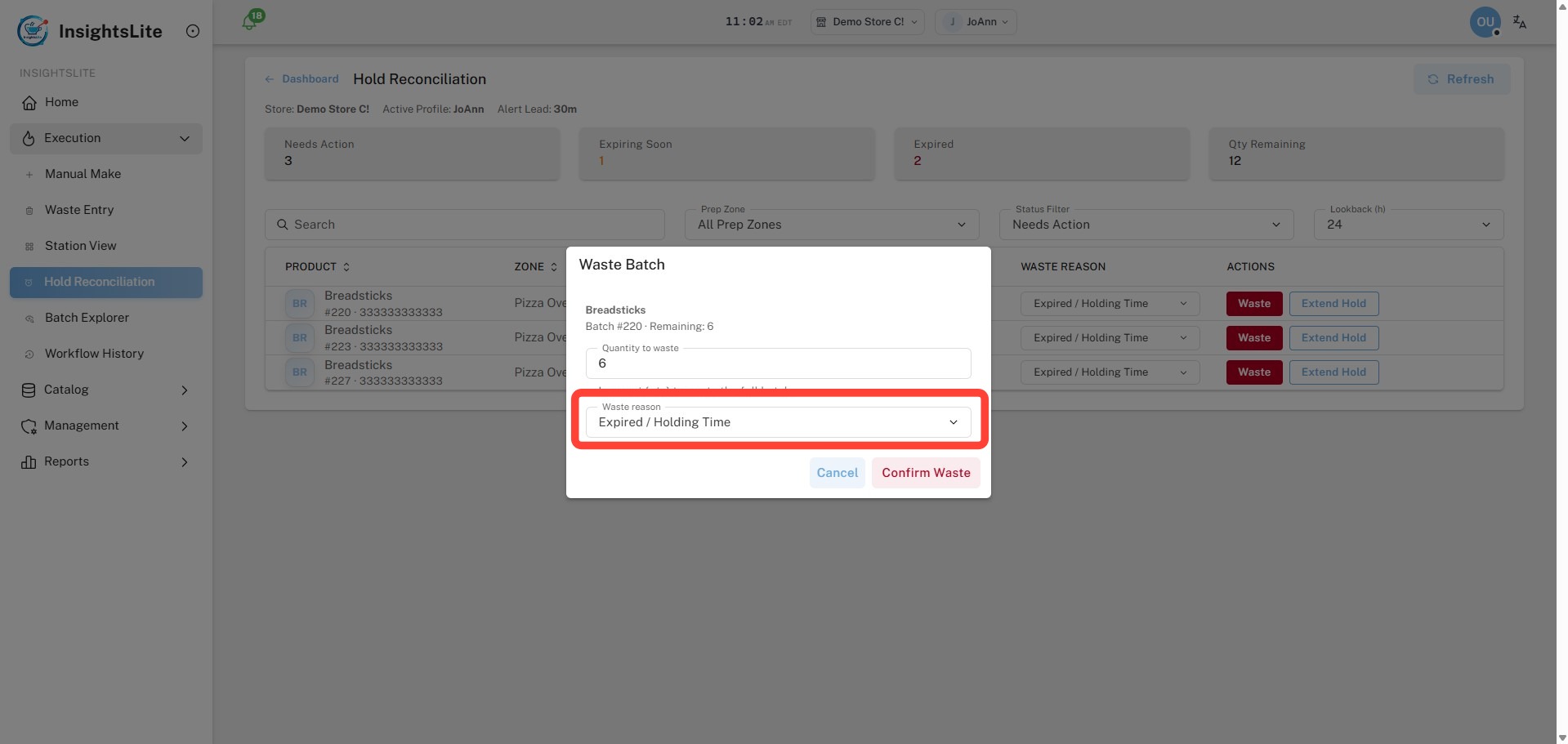
4. Click Confirm Waste.