
mC-Label3 Printer Overview
Table of Contents
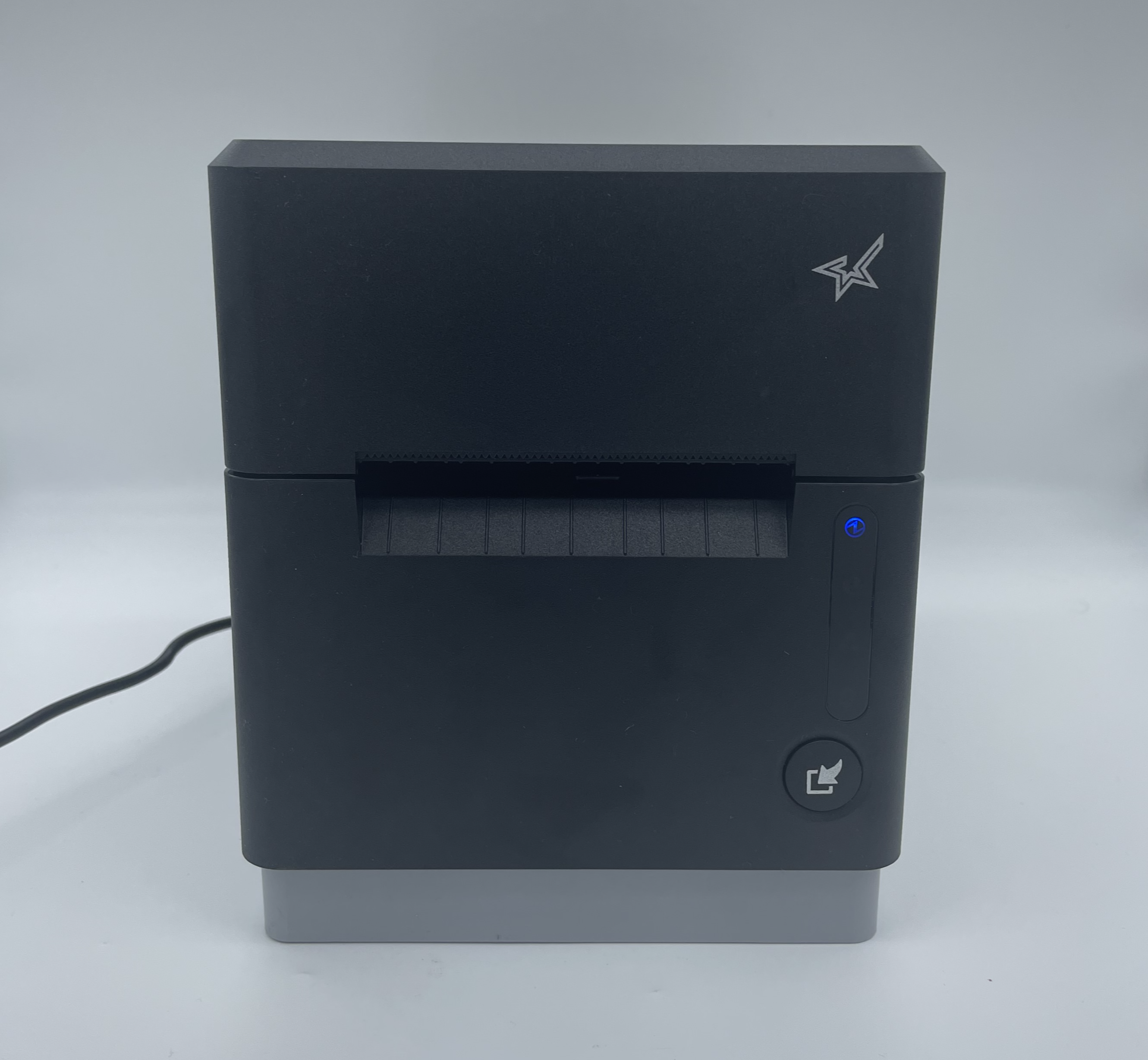
The mC-Label3 is a single, stand-alone Bluetooth printer. Requires your own Android and Apple iOS 10" touch screen tablet compatible with mobile app subscription. See Sign Up for a DateCodeGenie® Mobile App Subscription
To see all articles and learn more about the mC-Label3 printer, see mC-Label3 Printer.
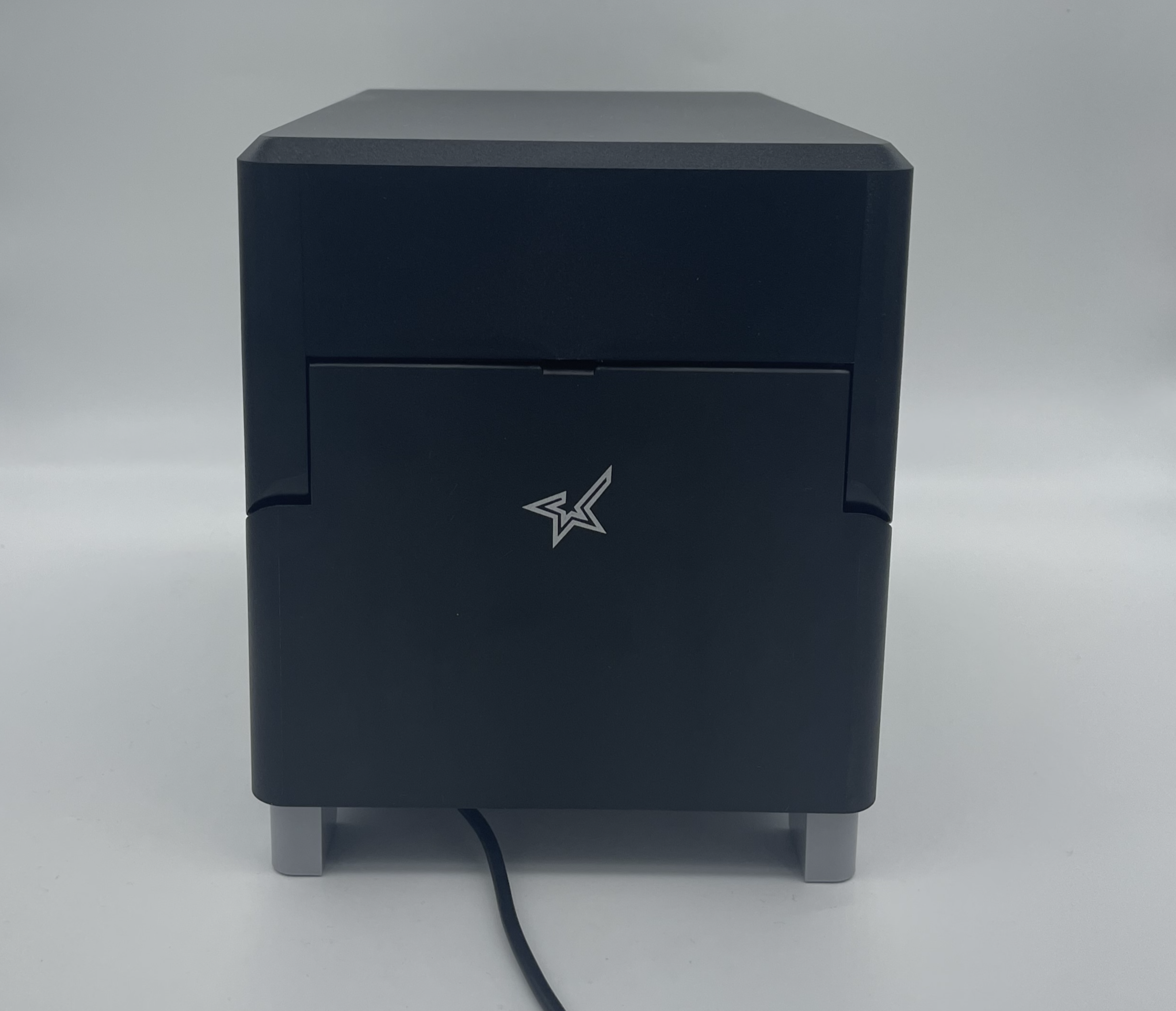
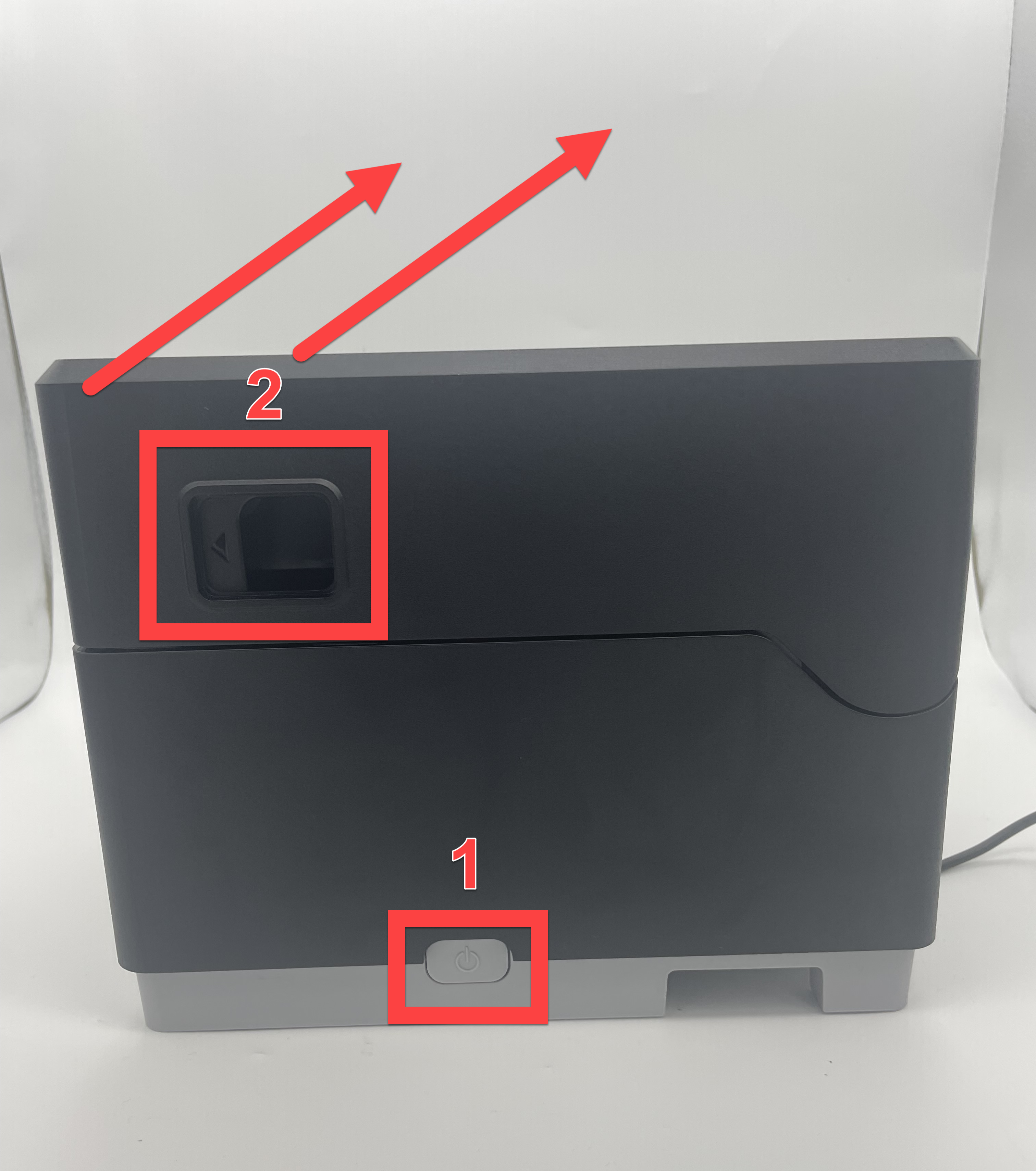
| Front | Back |
|---|---|
 |
 |
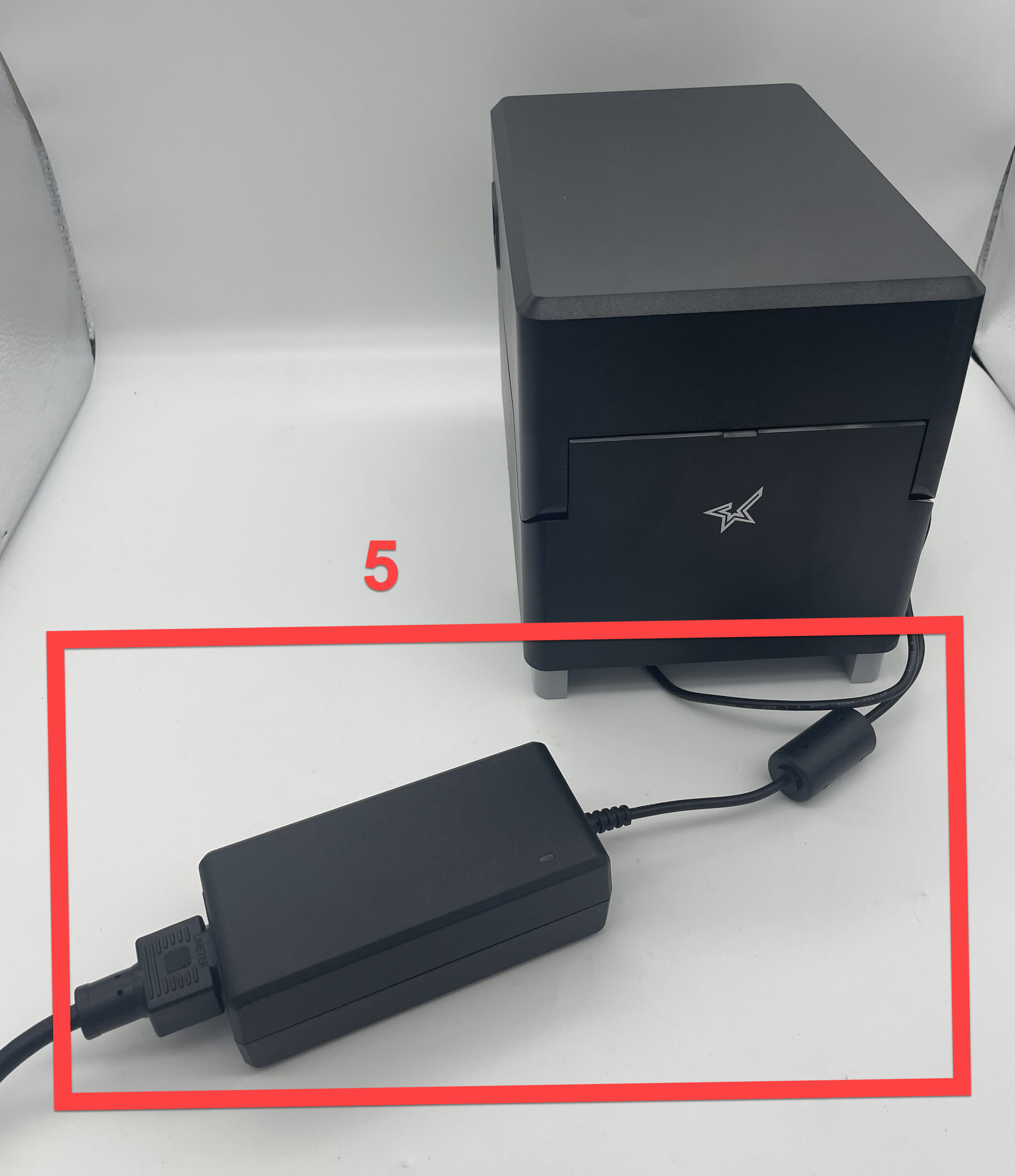
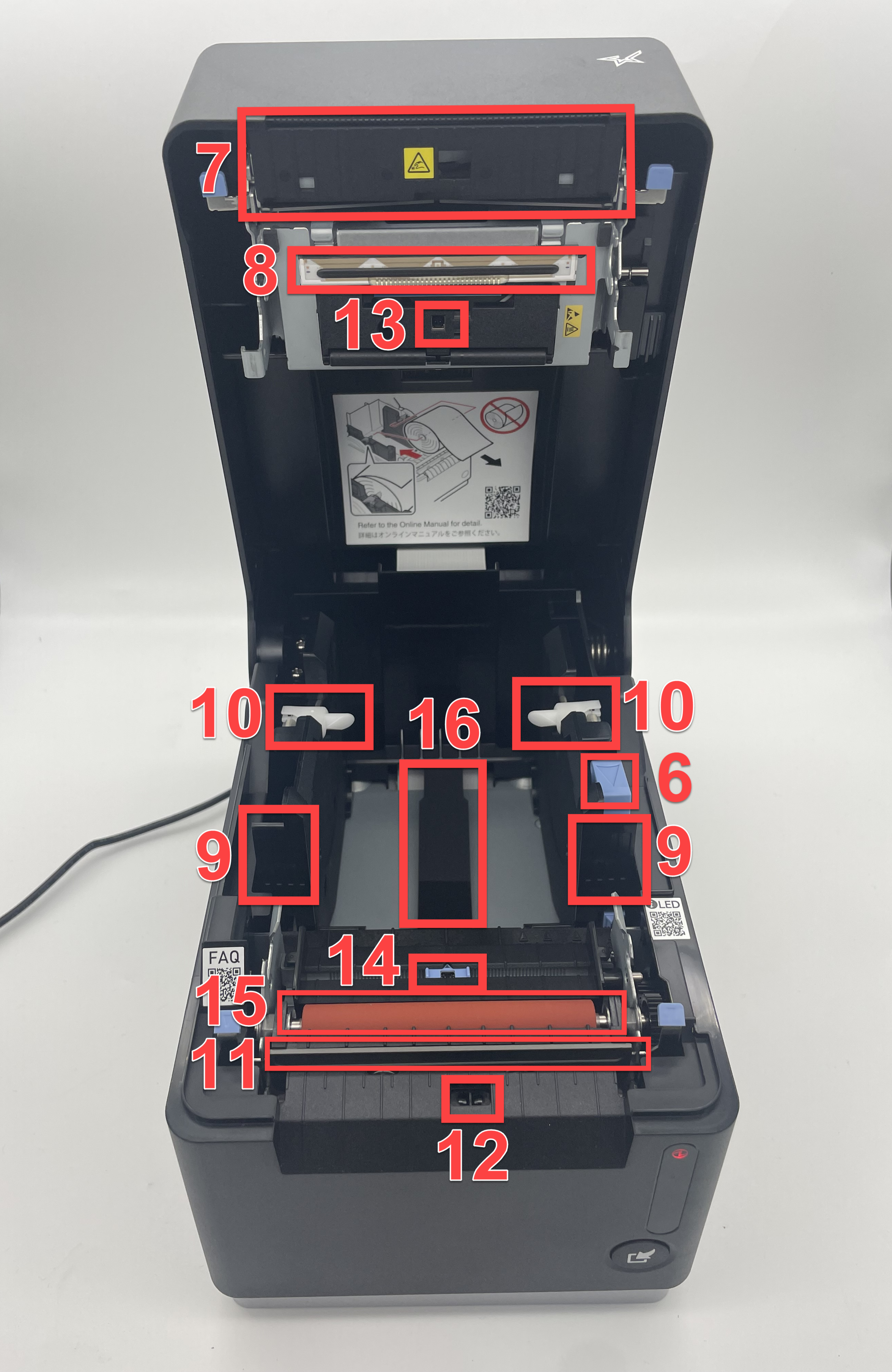
Printer
|
 |
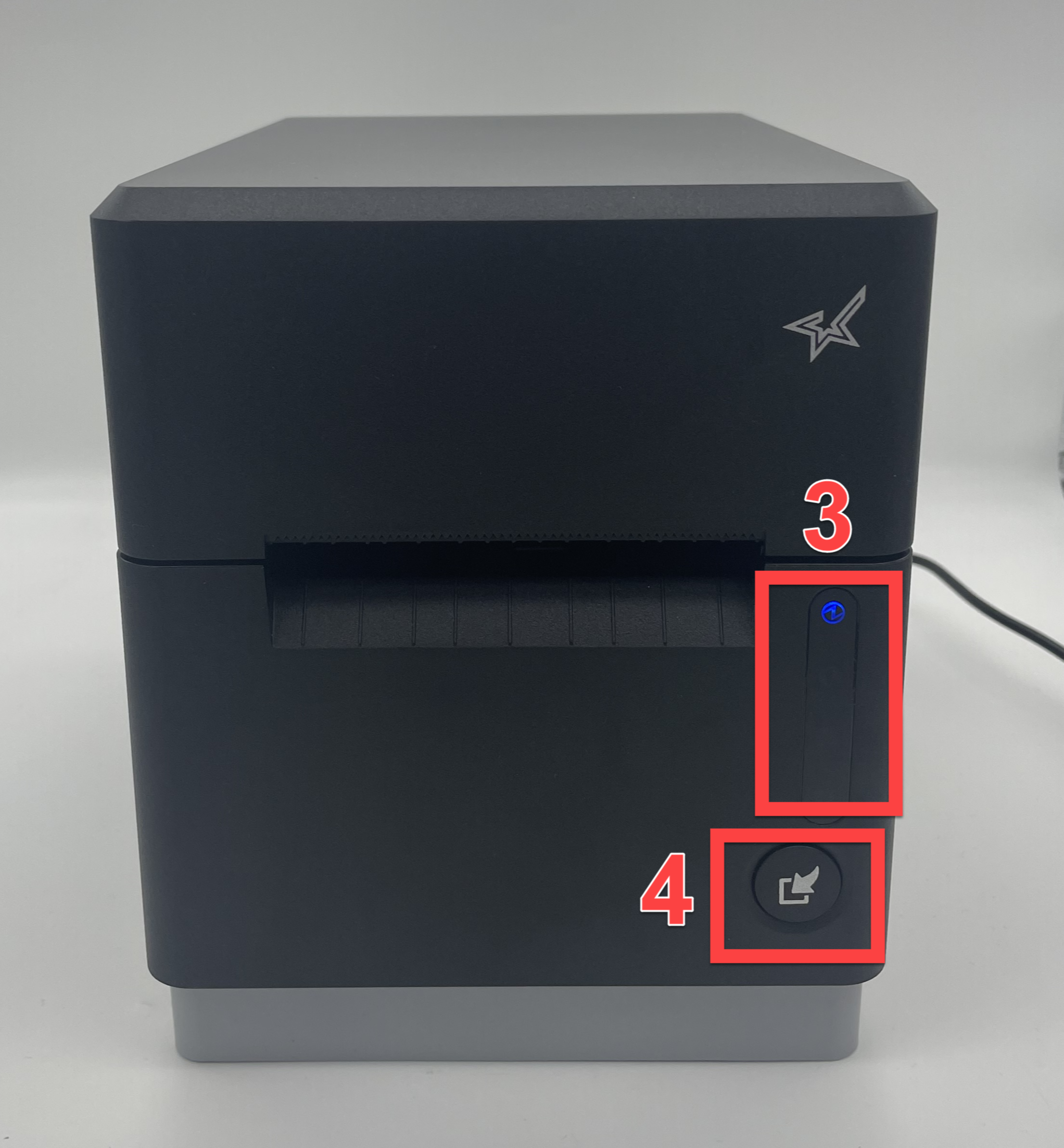
LED display light colors
Power LED When printer is turned on, the LED lights up or flashes in blue color for power status, red color for warning, and magenta color for error information of the printer. Information LED Lights up or flashes in red or orange color to indicate timing of cleaning and parts replacement and flashes in light blue color when data is waiting to print. Lights up or flashes in green color to indicate network connection status. Bluetooth LED (MCL32CBI) Lights up in blue color to indicate Bluetooth connection status.
|
 |
|
 |
|
 |
|
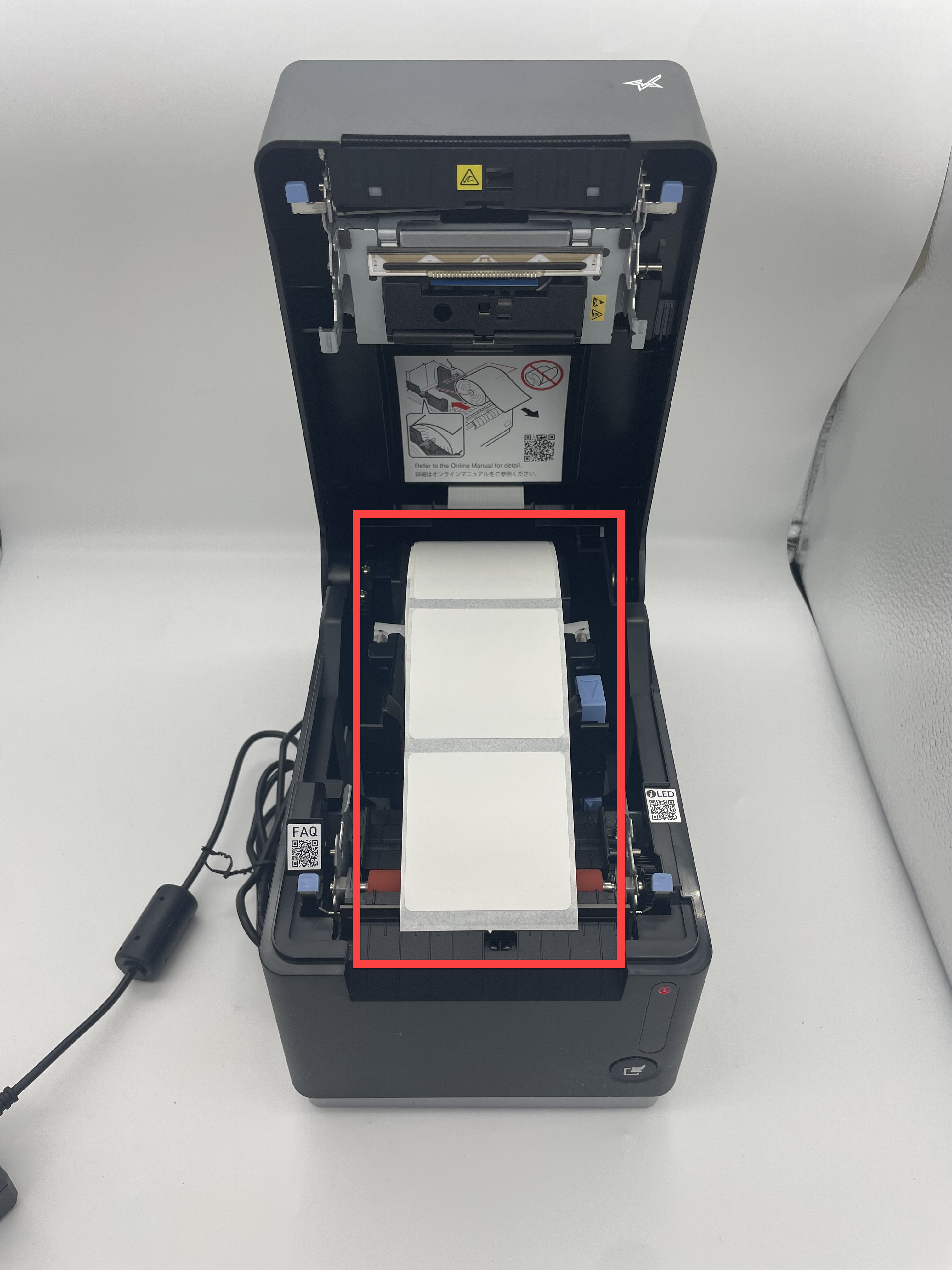
Load Labels in printer. See Load Labels in the mC-Label3 Printer WARNINGAdjust roll guides with blue lever to width of label roll to hold in place.
|
 |
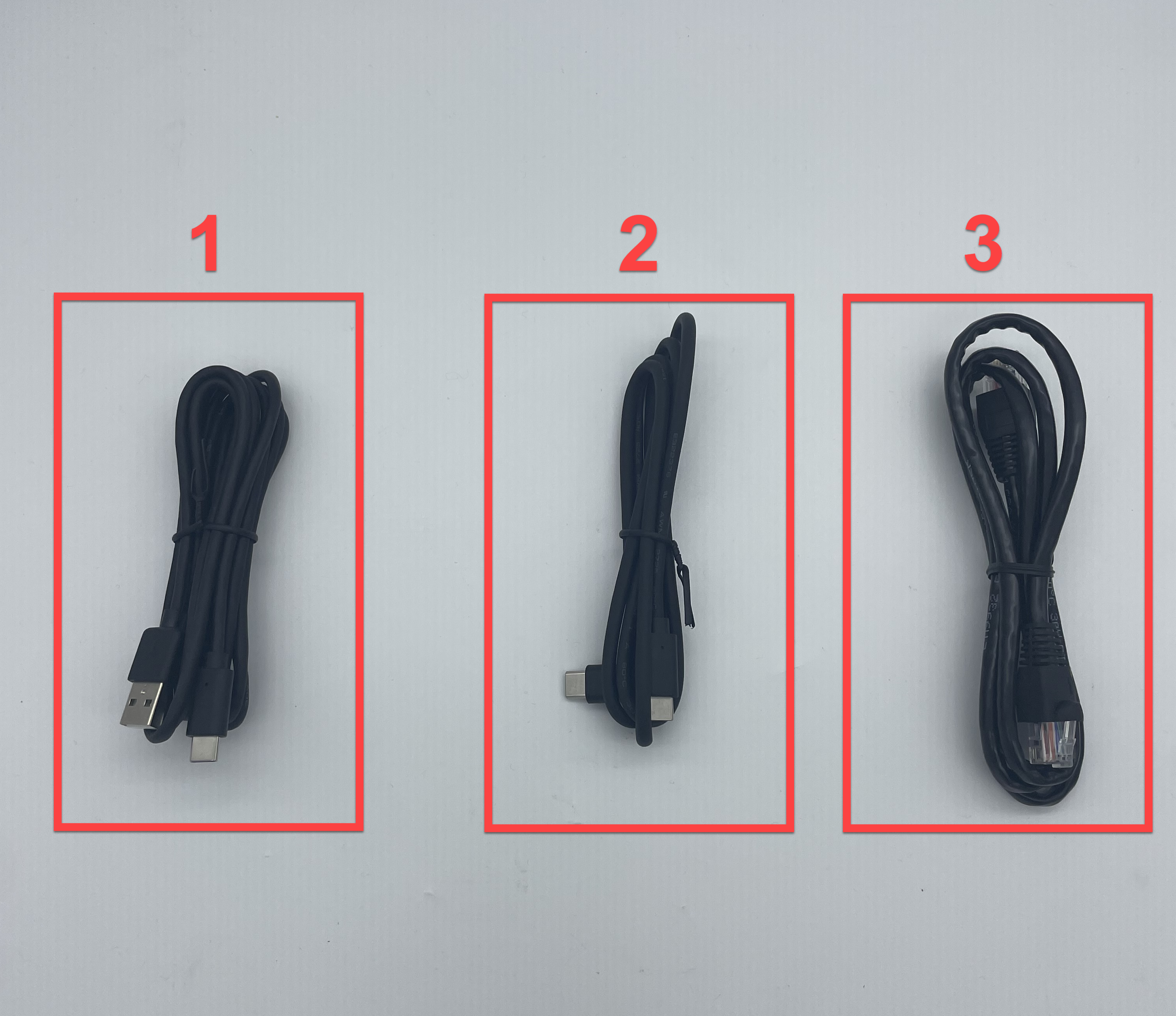
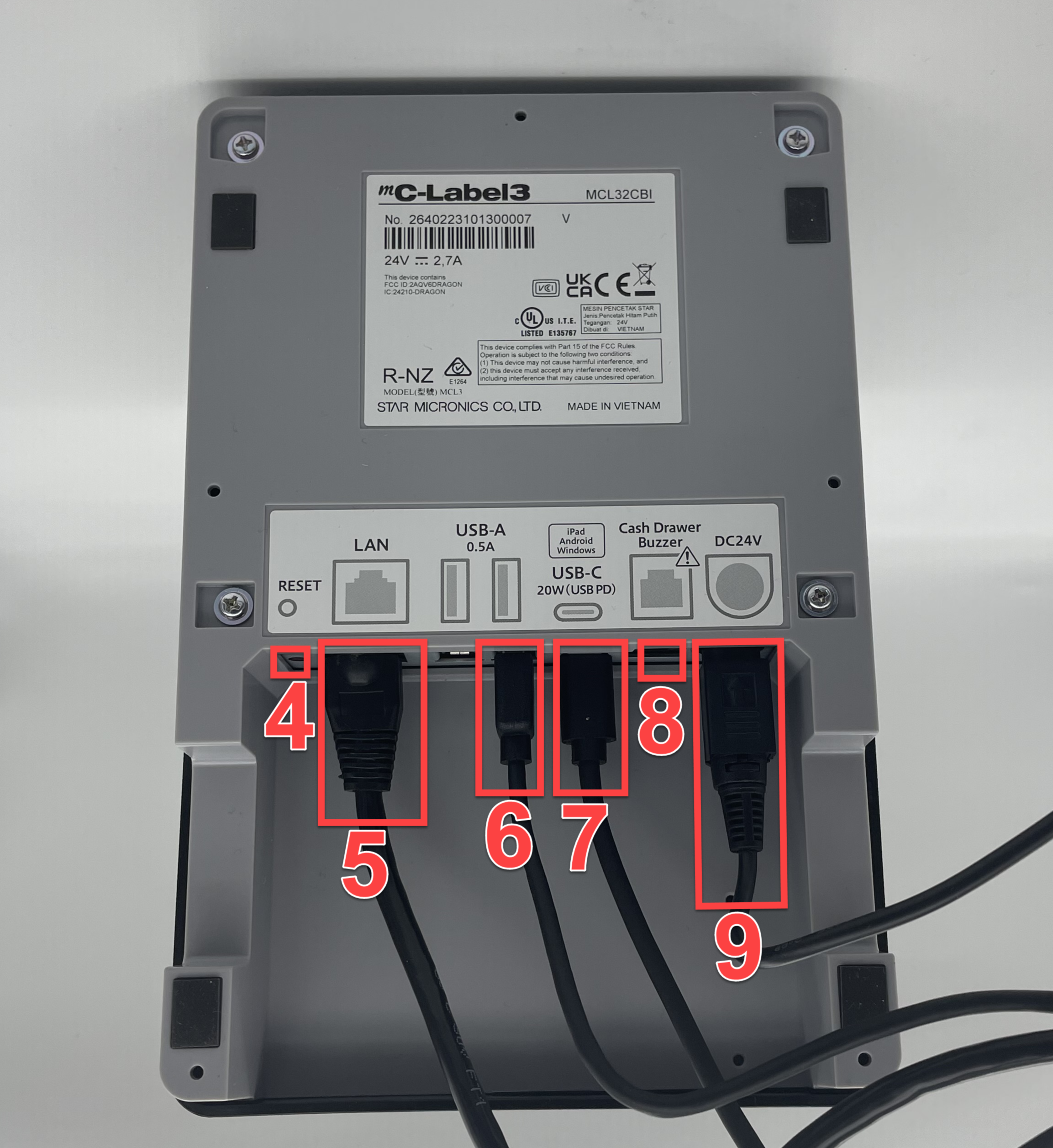
Optional cables and printer ports included (Use for tablet or PC cable connection)
|
 |
|
 |

