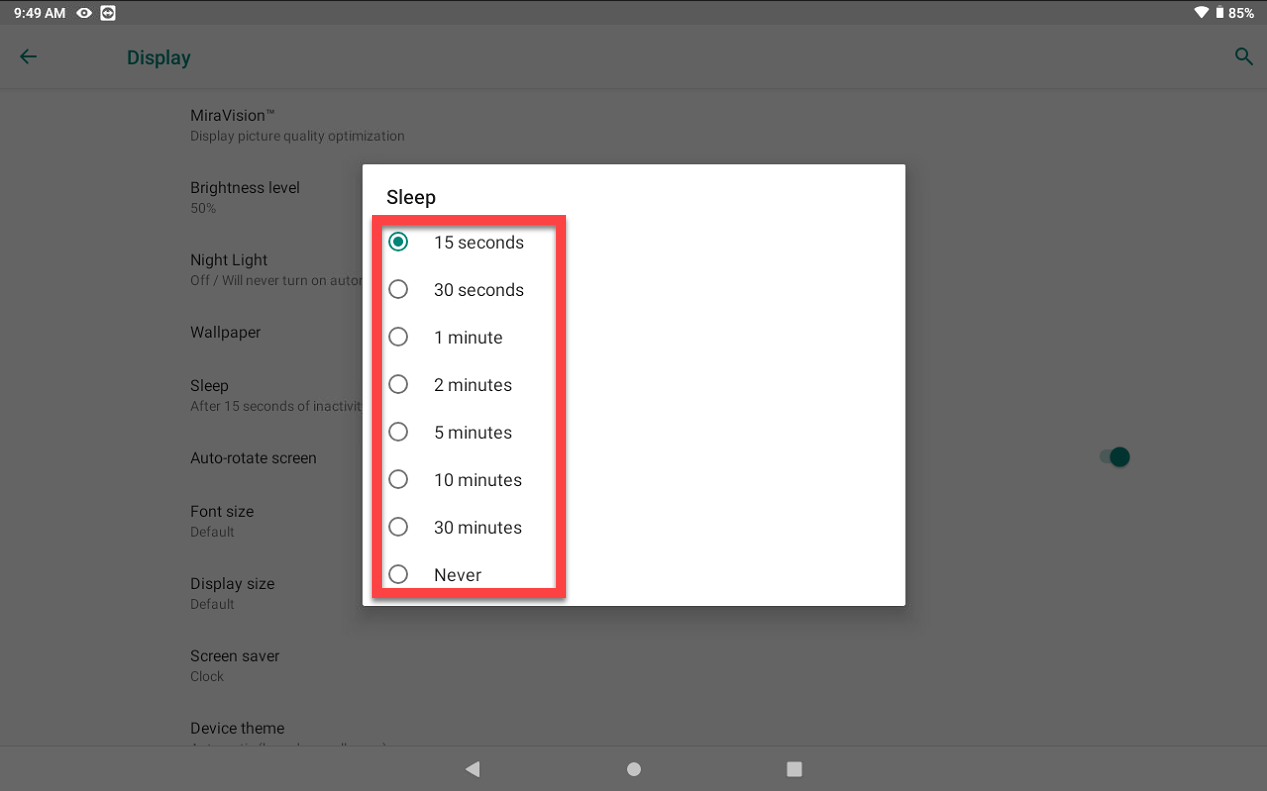
Change Sleep Time on Tablet
Change sleep time on tablet to automatically hibernate the touch screen after a set period of inactivity using Settings. If a screen lock type is set, a PIN, pattern, or password will be required to access the tablet each time.
Common uses for the sleep timer are:
- Managing screen time
- Conserving battery life
- Reminder to take breaks
NOTE
New tablets may be set to a 30 minute sleep time by default.
Steps:
1. Tap Settings on the tablet home screen.
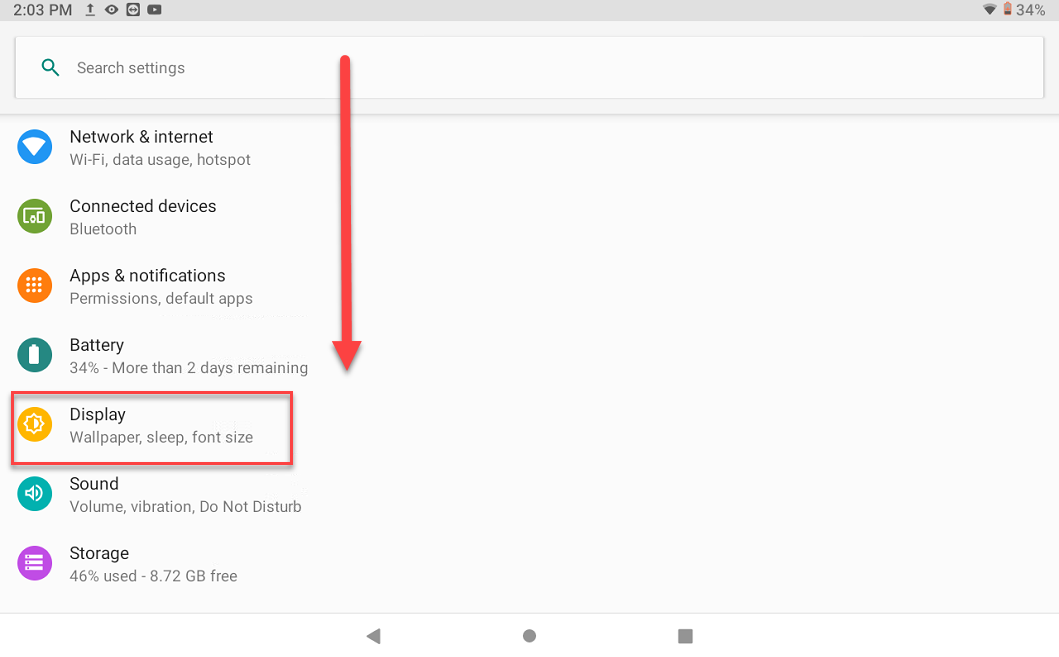
2. Scroll and tap Display.
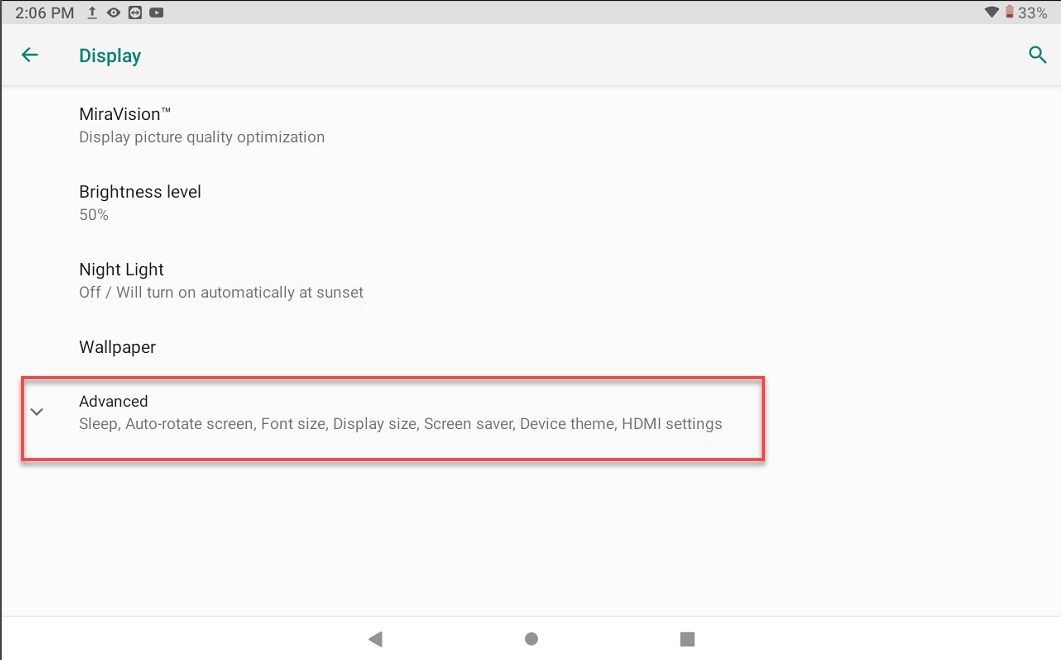
3. Tap Advanced.
4. Tap Sleep.
NOTE
This may be "Screen timeout" on some tablets.

5. Change the tablet's inactivity time to the desired time.