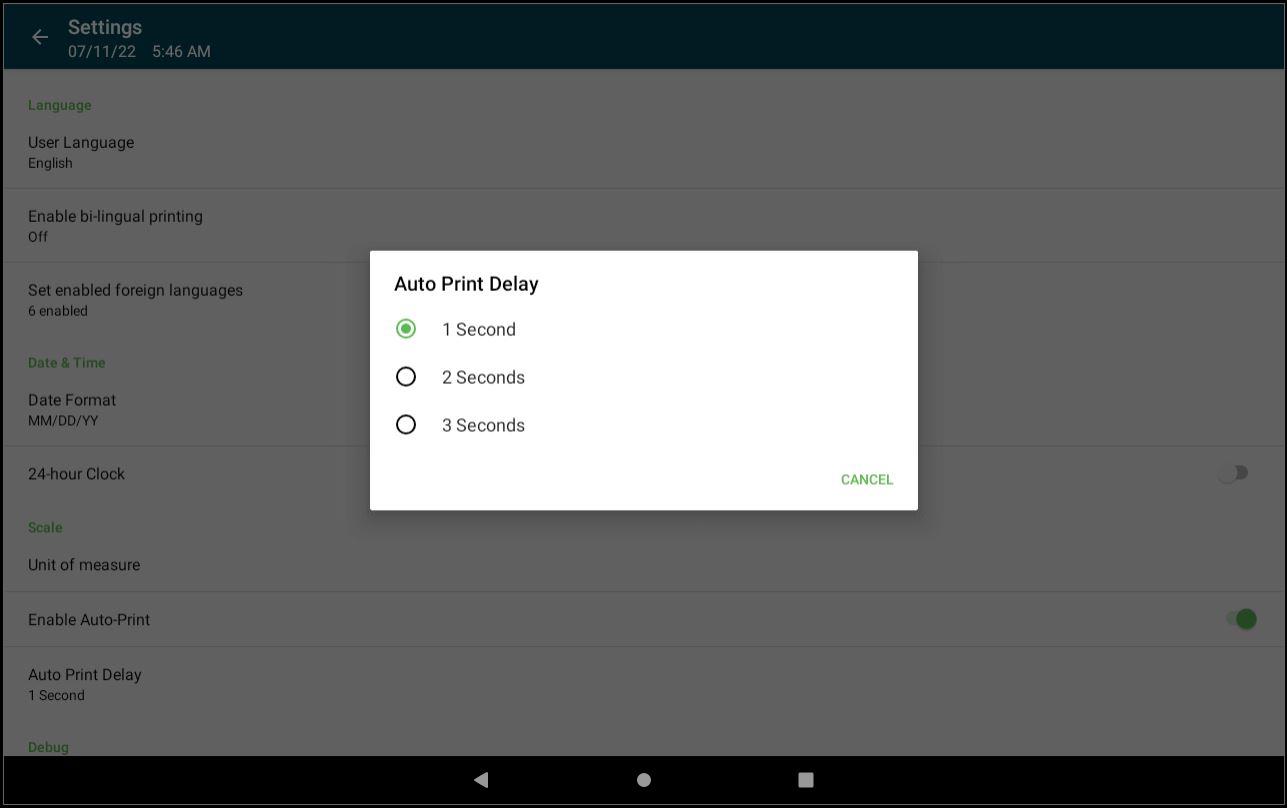
Change the Auto Print Delay Setting for the Scale
The Auto Print Delay setting allows you to change the time period between auto printing weighted menu item labels.
Steps:
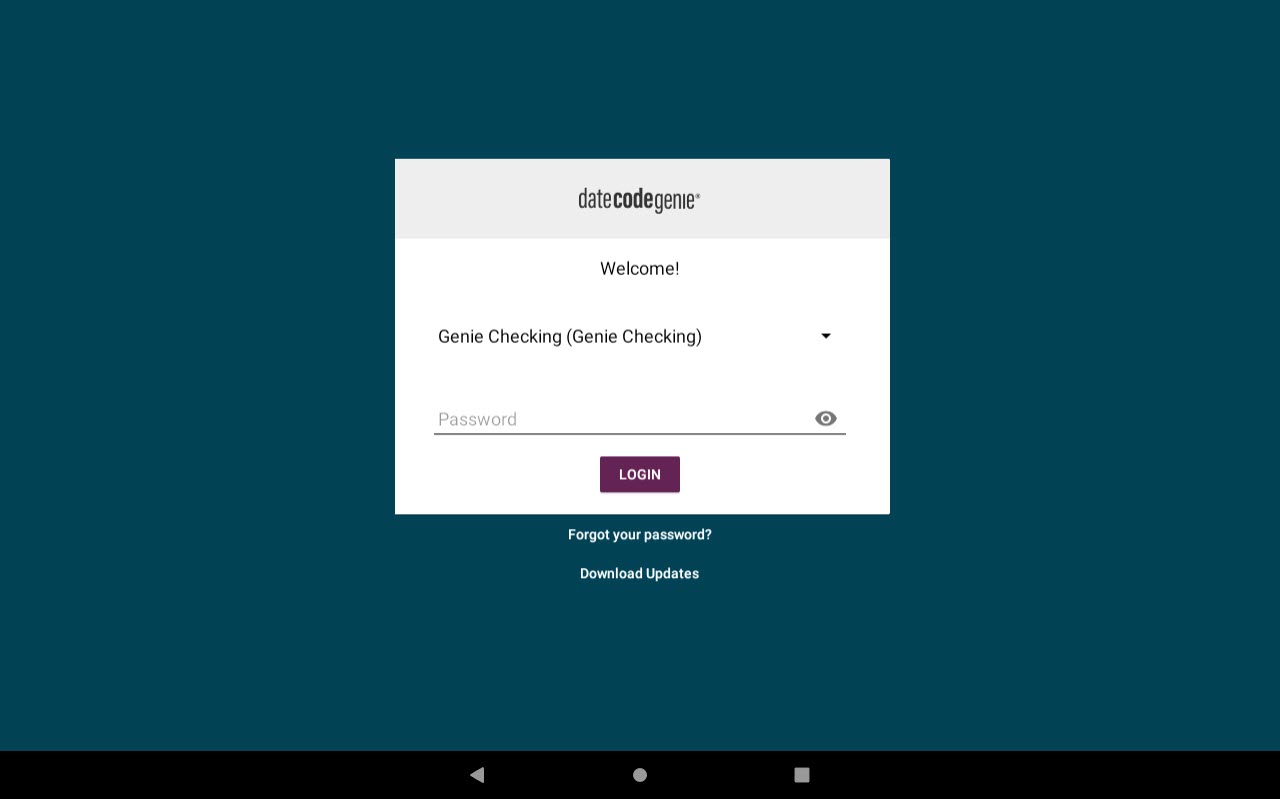
1. Log in to the app with your username and password, if required.
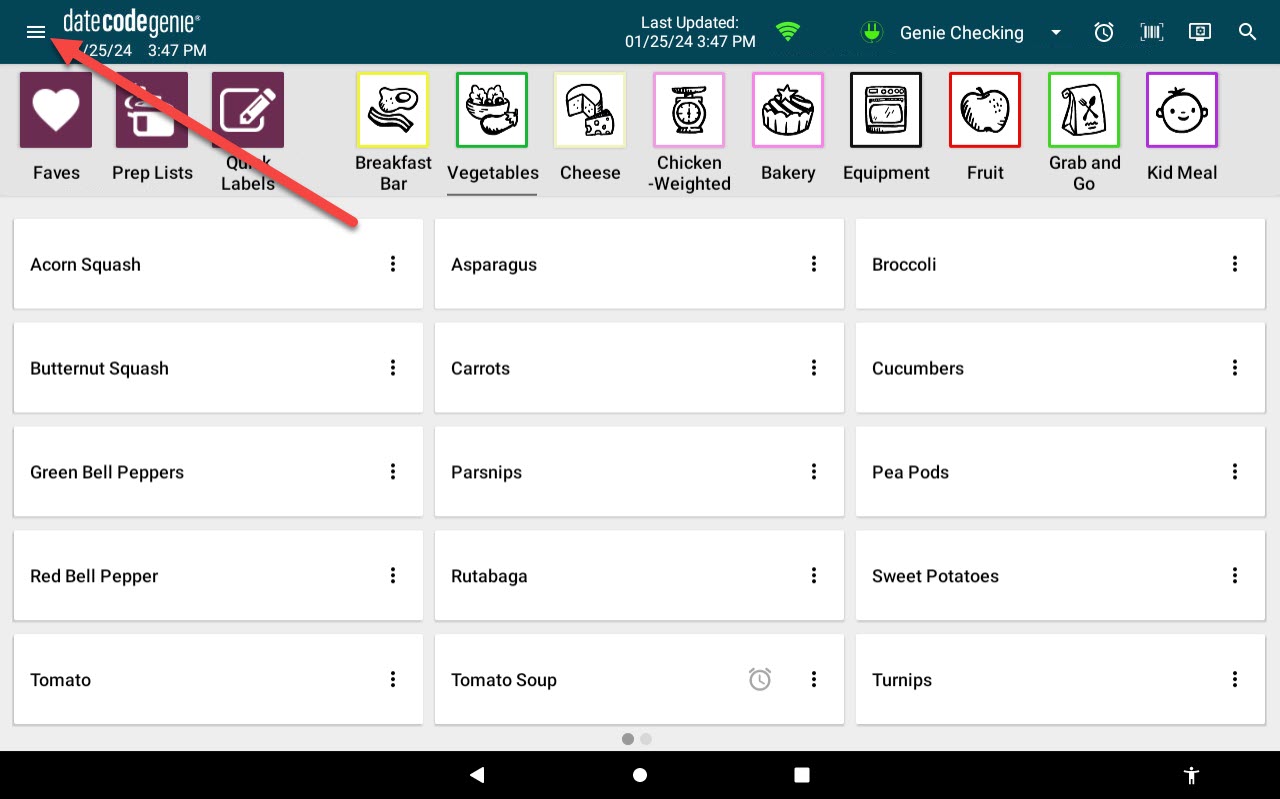
2. Tap the Navigation Button to open options.
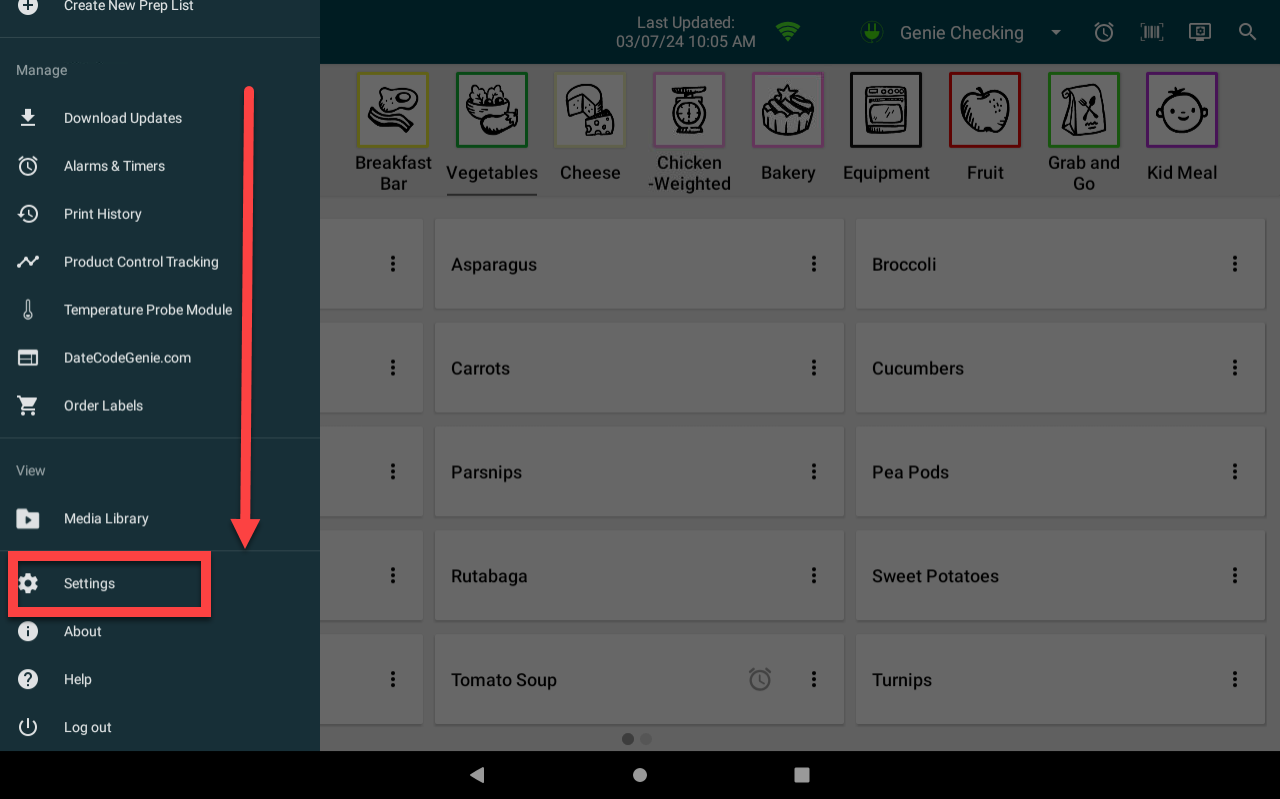
3. Scroll to Settings and tap to open.
4. Scroll down to the Scale section, tap Auto Print Delay to open the pop-up.
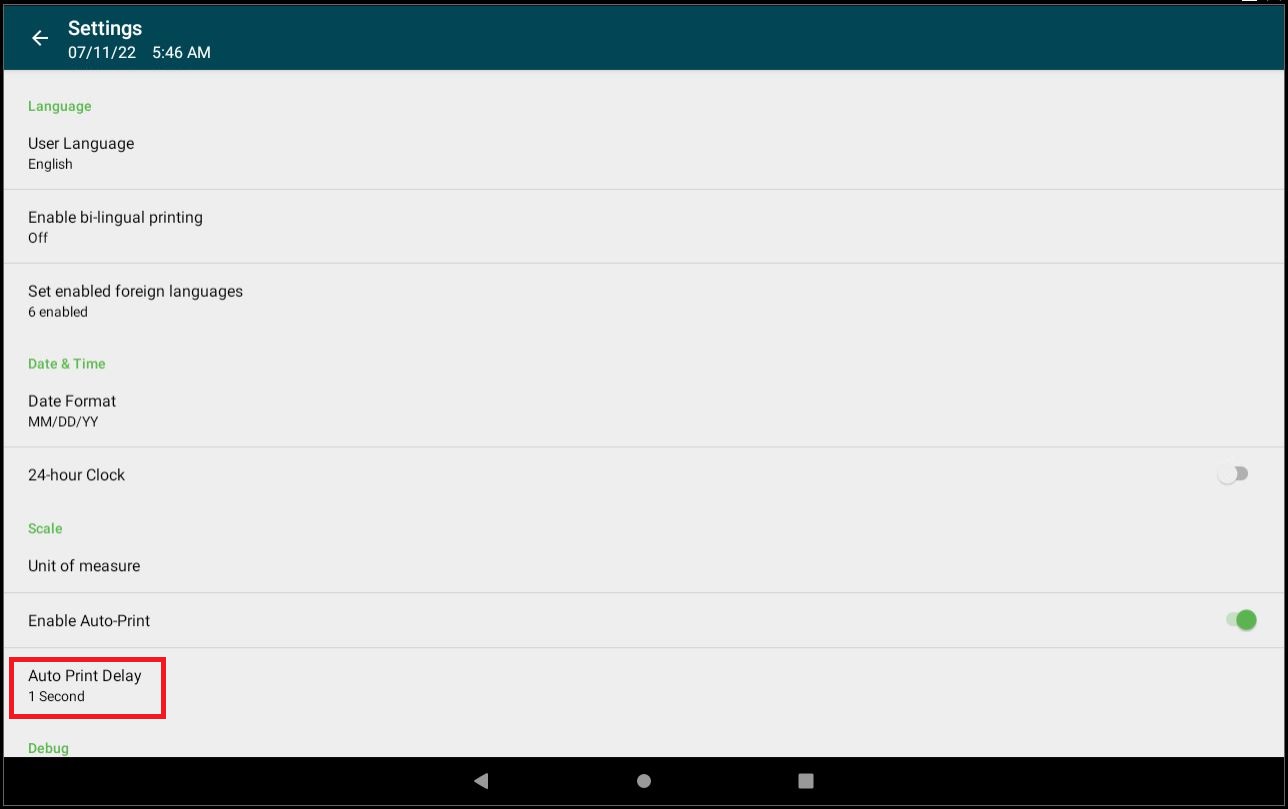
5. Tap the desired delay option.