NL Dutch
FR French
IT Italian
DE German
US English (US)
ES Spanish
menu

Contact Us

No results found. Still need help? Contact us

  • Scheduled Assistance
  • Contact Us
English (US)
NL Dutch
FR French
IT Italian
DE German
US English (US)
ES Spanish
arrow_back
  • DateCodeGenie
  • RightBytes
  • Task Manager
  • Scheduled Assistance
  • Contact Us

(Error 100x7) Unauthorized User or UDID #

Contact Us

If you still have questions or prefer to get help directly from an agent, please submit a request.
We’ll get back to you as soon as possible.

  • Getting Started
    Getting Started Guides Set Up Training
  • Devices
    Troubleshooting Device Overview 2.0 Model X Series Model Fit Model Lite Model mC-Label3 Printer CL-S700III Printer Device Tablet Internet Connection Warranty & Support
  • App
    Error Codes Troubleshooting App Overview Mobile App Subscription Prep Lists Quick Labels Print History Product Control Location Overrides Temperature Probe Rosters Scale Language Settings
  • Portal
    Portal Overview Locations Groups Users Rosters Categories Containers Items Printer Profiles Quick Labels Prep List Print History Product Control Temperature Probe Mass Import and Export Settings Media Library Support Location Overrides Scale
  • Admin Settings
    Start with Admin Settings Admin Settings Overview Locations Devices and Licenses
  • Accessories
    Bluetooth Scanner USB Scanner Temperature Probe Scale Label Rewinder Fit Printer Shelf Warranty
  • Labels
    Overview Troubleshooting
  • Repairs
    2.0 Model X Series Model Lite Model DateCodeGenie® Tablet
  • APIs
    Inbound APIs Outbound APIs
+ More
  • Home
  • DateCodeGenie
  • App
  • Error Codes

Table of Contents

How to View Device and Portal Information on the App How to View Device and Portal Information on the App

An app error code displayed on a device indicating an invalid username or UDID number.
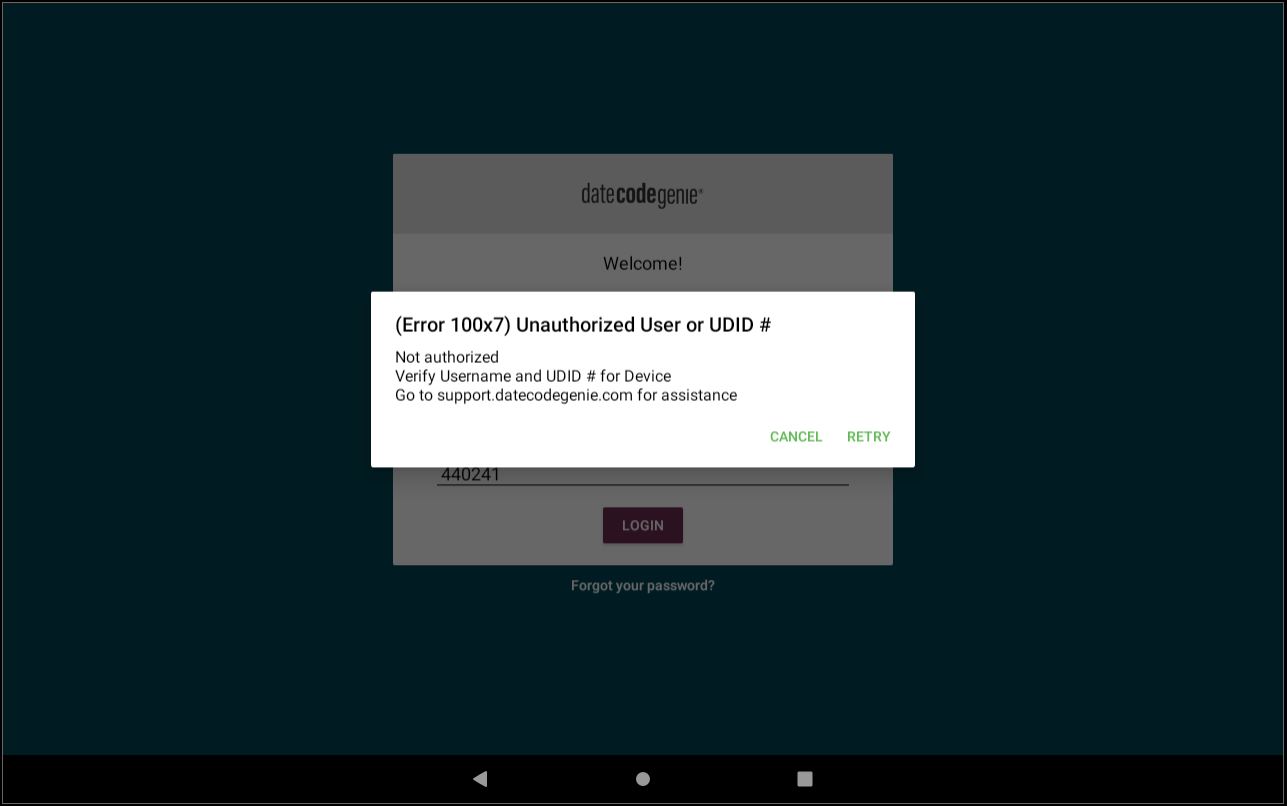
Steps:

Error 100x7 Troubleshooting

Start


1. Verify UDID number and try again.

What is a UDID Number

What is a UDID Number 

The UDID number is a unique six digit number created when a device is assigned to a location in your portal. This allows the app to download the data from your portal for a location. 

A UDID number can only be used for one app on one device.

UDIDs are generated at different points for integrated devices and the mobile app.

  • Integrated devices: generated when logging into the app for the first time.
  • Mobile app: generated when device is added in Admin Settings.

UDIDs can be found in 2 different locations:

1. Locations tab in the portal

a. Click the green plus button to expand location.

b. Find the UDID.


2. Devices & licenses tab in Admin Settings


See next solution


2. Try to log in with your username and password credentials if your email and password fail.

See next solution


3. Contact your Portal Administrator for further assistance and ensure they confirm the portal login credentials on the Settings page.

How to View Device and Portal Information on the App

How to View Device and Portal Information on the App

Find information about your DateCodeGenie® device and portal from the About section on the app. Information is grouped into four sections to quickly view the information needed.

Steps:

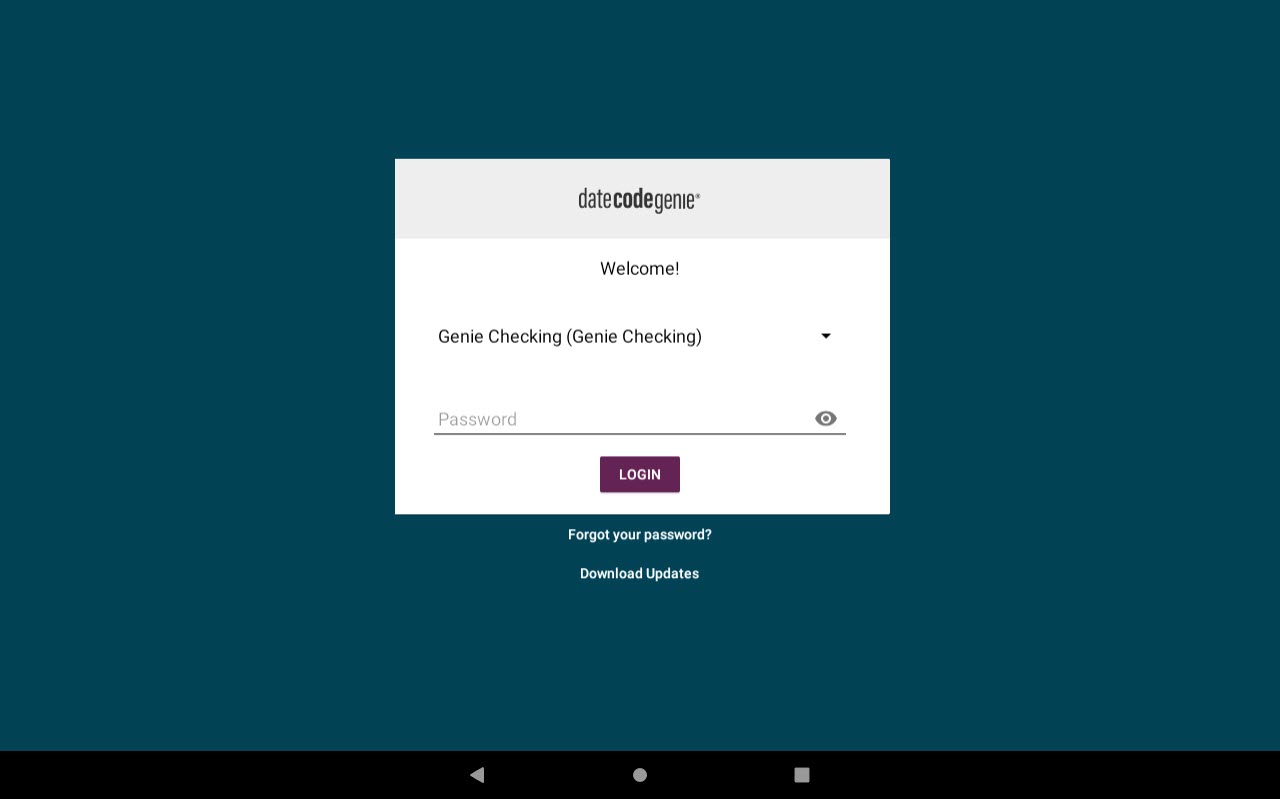
1. Log in to the DateCodeGenie app with your username and password, if required.
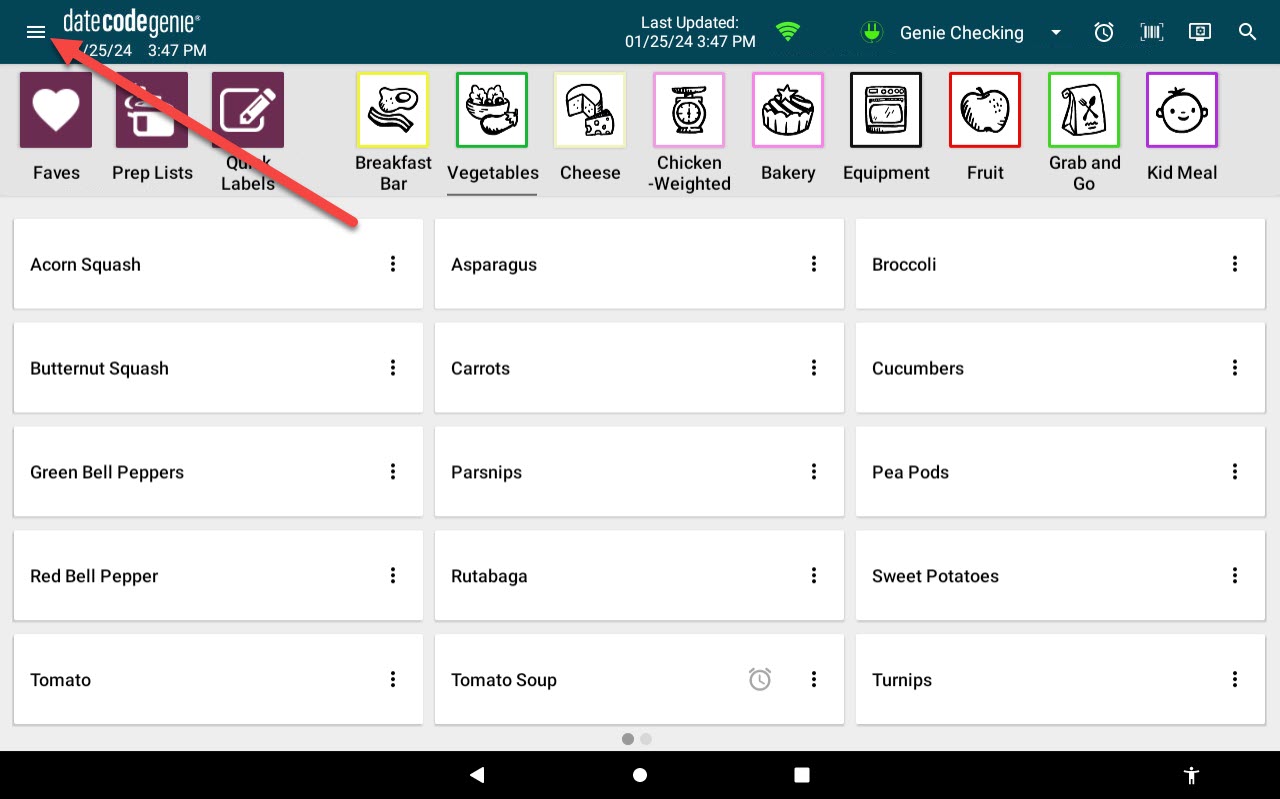
2. Tap the Navigation button to open available options.
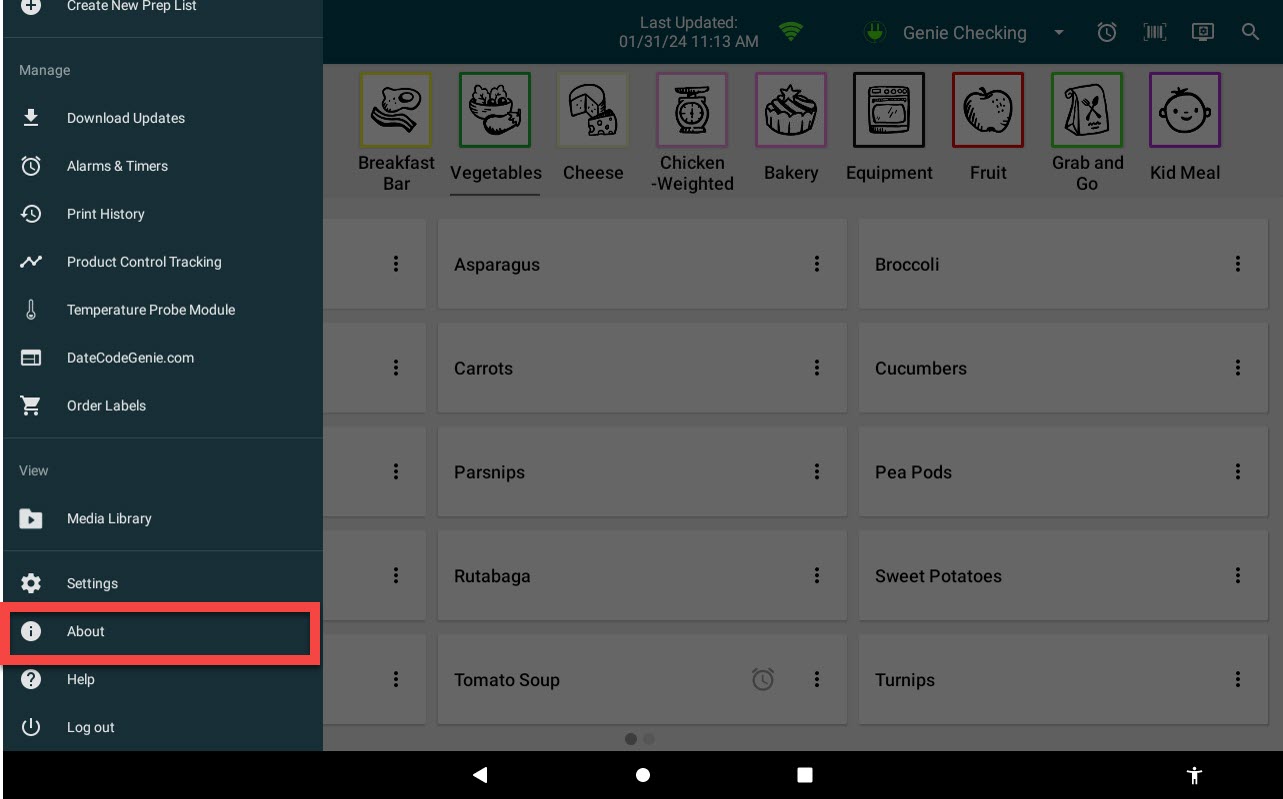
3. Scroll to About and tap to open.
4. View information for each section listed.

a. Device: View app version, last app update, system name, model, and serial number.

NOTE

The app version numbers are: 1 for the Legacy Java app, 2 for Android (Google Play Store), and 3 for iOS (Apple App Store). For example, a 1 before 3.58 indicates the Java version of the app.


b. Company: View company, restaurant and current user. 

c. Portal Administrator: View primary portal administrator's name, phone number and email address. 

d. Warranty: View device warranty expiration date.


Related Articles

  • (Error 100x15) Invalid UDID
  • (Error 100x12) UDID Number Entered is Already Registered

Was this article helpful?

Yes
No
Give feedback about this article For additional assistance, see Contact & Support

Related Articles

  • (Error 100x15) Invalid UDID
  • (Error 100x12) UDID Number Entered is Already Registered
© 2026 DateCodeGenie

899 Montreal Circle, St. Paul, MN 55102

Privacy Policy

Learn more about our product
contact us
About NCCO

Knowledge Base Software powered by Helpjuice

Expand
